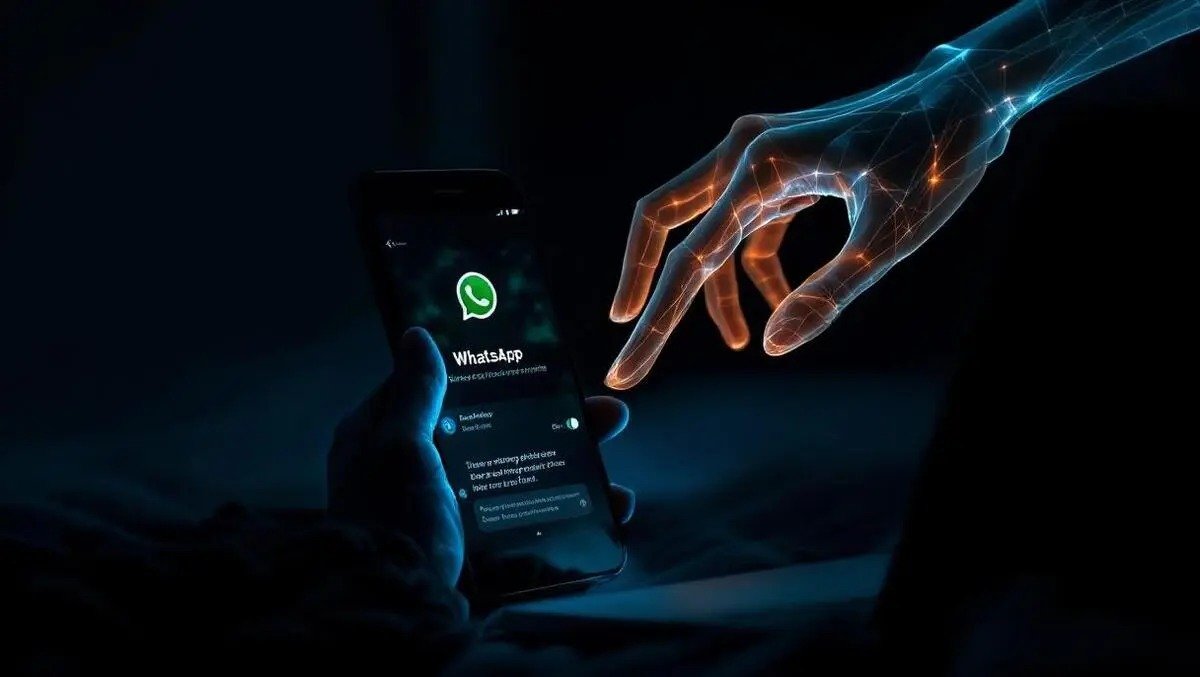
A new cyber scam called “GhostPairing” is raising alarms among cybersecurity experts, as it allows fraudsters to hijack a WhatsApp account without needing your password or OTP directly. Unlike traditional phishing attacks, GhostPairing exploits user trust, platform features, and human error, making it far more dangerous and harder to detect.
What Is GhostPairing?
GhostPairing is a social engineering–driven scam where attackers secretly link their device to a victim’s WhatsApp account using the app’s “Linked Devices” feature. Once paired, the scammer gains real-time access to chats, media, and even new messages often without the victim realizing anything is wrong.
The term “ghost” comes from the fact that the attacker operates silently in the background, leaving minimal traces and no immediate lockout for the original user.
How the Scam Works
The scam typically begins with a convincing pretext. Victims may receive a call or message pretending to be from customer support, a friend, or even a verified business account. The attacker manipulates the victim into sharing a QR code or approving a device connection under the guise of fixing an issue or verifying identity.
Once the QR code is scanned, the attacker’s device becomes linked. From there:
- All incoming and outgoing messages are mirrored
- Private photos, documents, and voice notes are exposed
- The attacker can impersonate the victim to scam contacts
- Sensitive conversations can be monitored or leaked
Because WhatsApp does not notify users loudly when a new device is linked, many victims discover the breach only after financial loss or social damage.
Why It’s So Dangerous
What makes GhostPairing particularly risky is that:
- No password reset is triggered
- The victim remains logged in
- Two-step verification may not always stop it
- The scam leverages legitimate app features, not malware
This means antivirus software and traditional security habits may not offer full protection.
Warning Signs to Watch For
While subtle, there are a few red flags:
- Messages marked as “read” that you never opened
- Replies sent from your account that you didn’t write
- Notifications about device activity you don’t recognize
- Friends reporting strange messages from you
How to Protect Yourself
Cyber experts recommend the following steps:
- Check Linked Devices regularly in WhatsApp settings and remove unknown devices
- Enable Two-Step Verification with a strong PIN
- Never share QR codes or screen images, even with “support” callers
- Be cautious of urgent requests asking for verification or help
- Log out of all devices immediately if you suspect compromise
What To Do If You’re Affected
If you believe your account has been hijacked:
- Log out from all linked devices
- Change your two-step verification PIN
- Inform your contacts immediately
- Report the incident to WhatsApp support
Final Word
GhostPairing highlights a growing trend in cybercrime where psychological manipulation beats technical hacking. Staying alert, questioning unsolicited requests, and routinely checking account settings are now essential digital survival skills. In an era where messaging apps hold our personal and professional lives, awareness is the strongest defense.